Getting Started with Leaflet
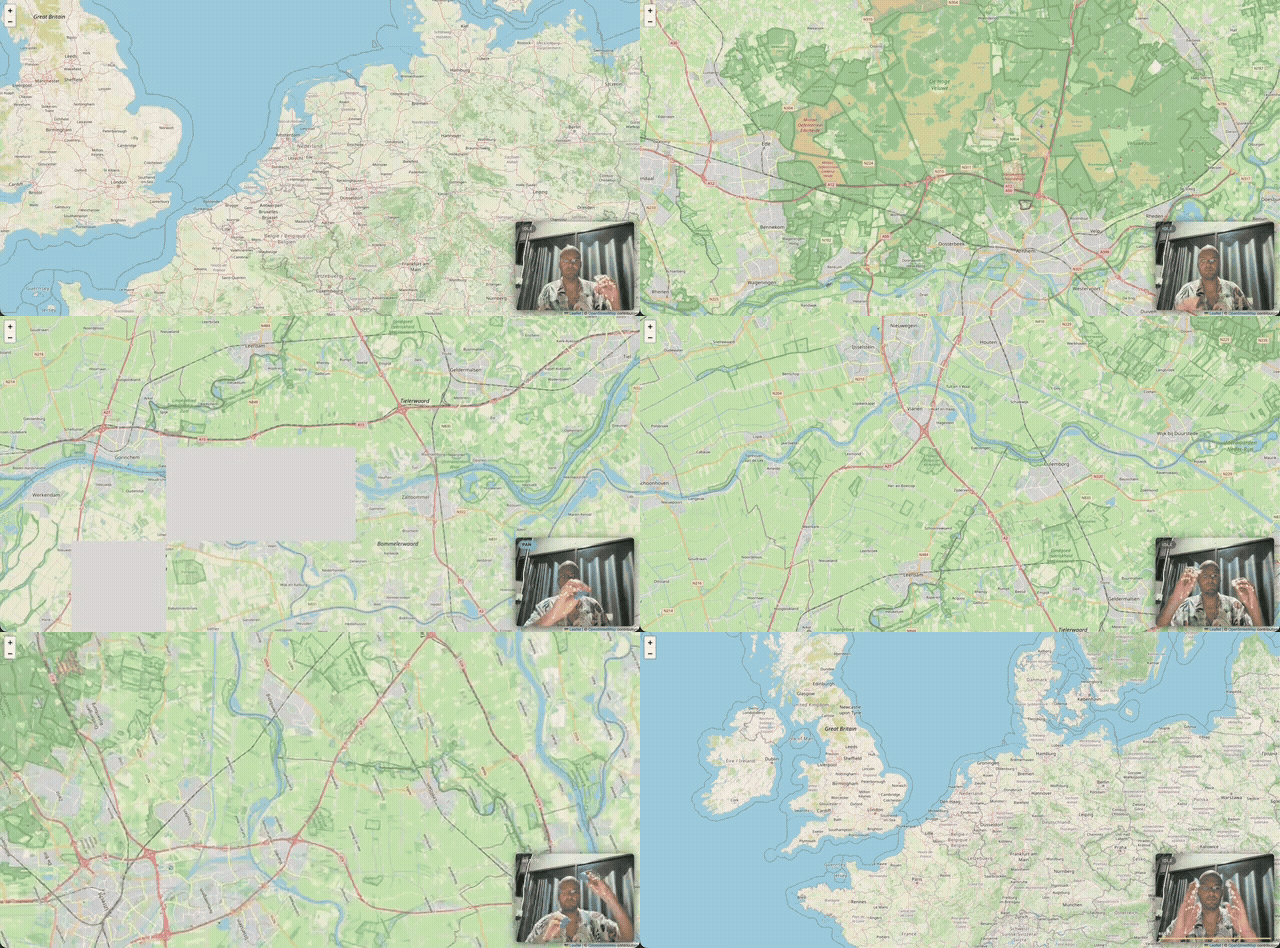
Installation
npm install @map-gesture-controls/leaflet leafletleaflet is a peer dependency. You must install it separately alongside the package.
For TypeScript support:
npm install -D @types/leafletMinimal working example
The following is a complete, self-contained setup using a Leaflet map with OpenStreetMap tiles and the gesture controller:
import L from 'leaflet';
import 'leaflet/dist/leaflet.css';
import { GestureMapController } from '@map-gesture-controls/leaflet';
import '@map-gesture-controls/leaflet/style.css';
// 1. Create your Leaflet map
const map = L.map('map').setView([52.37, 4.9], 10); // Amsterdam
L.tileLayer('https://{s}.tile.openstreetmap.org/{z}/{x}/{y}.png', {
attribution:
'© <a href="https://www.openstreetmap.org/copyright">OpenStreetMap</a> contributors',
}).addTo(map);
// 2. Create the gesture controller
const controller = new GestureMapController({ map });
// 3. Start from a user gesture (browsers require a user interaction
// before granting webcam access)
document.getElementById('start-btn')!.addEventListener('click', async () => {
await controller.start();
});
document.getElementById('stop-btn')!.addEventListener('click', () => {
controller.stop();
});Your HTML needs a map container and buttons:
<div id="map" style="width: 100%; height: 100vh;"></div>
<button id="start-btn">Start gesture control</button>
<button id="stop-btn">Stop</button>
CSS imports
Leaflet requires its own CSS file (leaflet/dist/leaflet.css) in addition to the gesture controls stylesheet. Make sure both are imported.
Tile layer
Leaflet does not include a default tile source. The examples use OpenStreetMap tiles, which are free and require no API key. For production use with higher traffic, consider a commercial tile provider like Mapbox, MapTiler, or Stadia Maps.
Rotation
Leaflet core does not include a native rotation API, but this adapter implements rotation by creating a dedicated .leaflet-rotate-pane inside Leaflet's .leaflet-map-pane and applying the CSS transform to that wrapper. The adapter moves Leaflet's tilePane and overlayPane into the rotate pane, so when you rotate with both hands, those layers visually rotate around the map center. Pan direction is automatically adjusted to match the rotated view, and the reset gesture (pray/namaste pose) returns the rotation to 0 along with pan and zoom.
Markers and popups
Because only tilePane and overlayPane are moved into the rotate wrapper, standard Leaflet layers rendered into markerPane, shadowPane, tooltipPane, and popupPane stay outside it and do not rotate with the map. If your map uses markers or popups, they will remain axis-aligned regardless of the current bearing.
User-gesture requirement
Browsers enforce a policy that getUserMedia() (webcam access) can only be called in response to a user interaction such as a button click. Calling controller.start() directly on page load will throw a NotAllowedError. Always wire start() to a click handler.
Model loading
start() triggers a one-time download of the MediaPipe hand landmarker WASM module and model weights (~10 MB combined). Calling stop() fully tears down the landmarker, so a subsequent start() will download the model again.
Differences from OpenLayers and Google Maps
The gesture controller API is identical across all adapters. The only differences are:
- You import from
@map-gesture-controls/leafletinstead of@map-gesture-controls/olor@map-gesture-controls/google-maps - The
mapproperty inGestureMapControllerConfigexpects a LeafletL.Mapinstance - No coordinate projection needed: Leaflet uses
[lat, lng]directly - Rotation is implemented via CSS transforms (Leaflet core has no native bearing API)
All configuration (webcam overlay, gesture tuning) is shared. See Configuration for the full reference.
TypeScript types
All configuration types are exported from the package:
import type {
  GestureMapControllerConfig,
  WebcamConfig,
  TuningConfig,
} from '@map-gesture-controls/leaflet';

const config: GestureMapControllerConfig = {
  map,
  webcam: {
    position: 'top-left',
    width: 280,
  },
  tuning: {
    smoothingAlpha: 0.3,
  },
};

const controller = new GestureMapController(config);
Next steps
- Configuration: full reference for
webcamandtuningoptions - Gestures: how gestures are classified and tuned
- Examples: copy-pasteable recipes
- API Reference: full API documentation